Remotly provides the ultimate performance for Windows desktop remote control and PC gaming on Android devices. To get started, install the application on your PC and on your Android device.
Remotly for PC
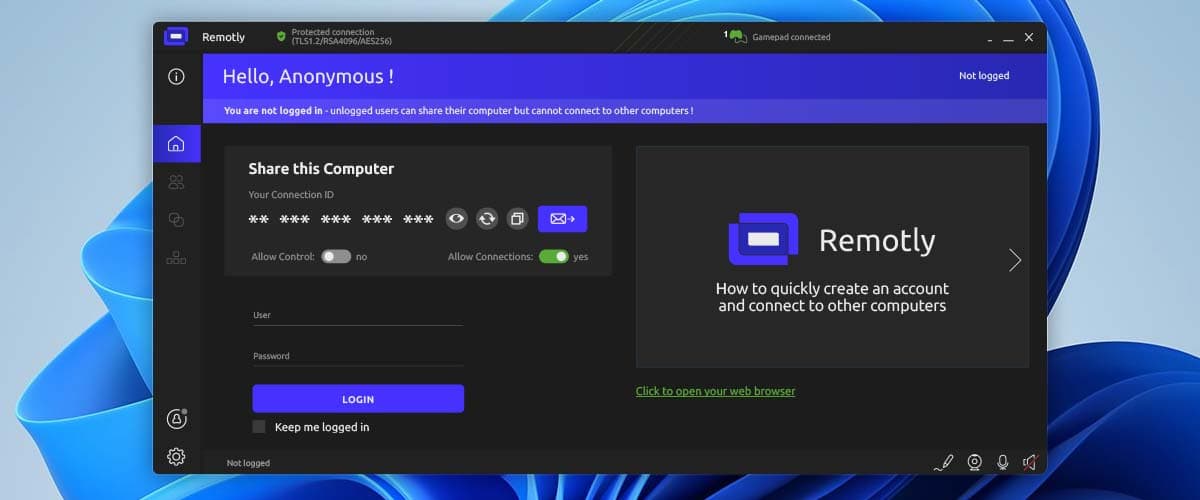
Download and install the latest version of Remotly on your PC: Download Remotly for Windows.
Free Remotly app for Android
Install the latest Remotly app on your Android device: Download Remotly for Android.
Create a free Remotly account
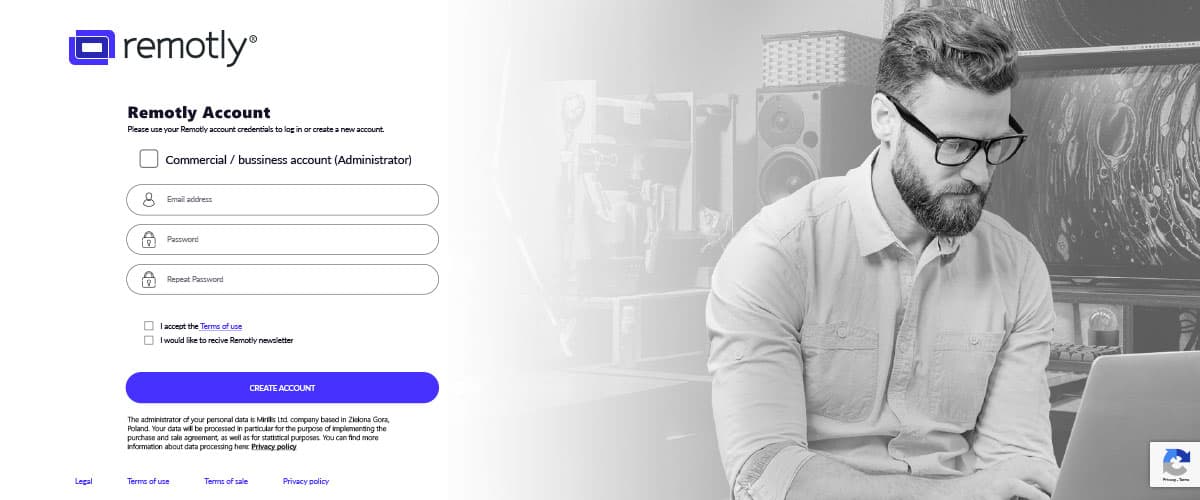
Creating an account is free (no credit card required) and lets you quickly connect your Android device to your PC. Create it on the website or from the PC application tutorial.
Create a new Remotly account now.
System requirements
The app needs a network connection — any mobile network or Wi‑Fi works, but 5 GHz Wi‑Fi, LTE or 5G is recommended. Remotly requires Android 5.0 or later.
That's it!
Enter your username and password in both applications and start controlling your PC remotely.